
Run a Project
Once you have created your project or edited your project (adding or updating Areas of Interest, Analysis/es, Times of Interest), please run the project in following steps.
1. View Final Credits
Before you run a project, please view the total credits that will be consumed for your project.
What are credits?Credits are charged each time you run a project, and are calculated based on: (i) number of AOIs, (ii) size of the AOIs, (iii) length of the TOI, and (iiii) selected analysis/es.
You are not charged until you click 'Run Project'.
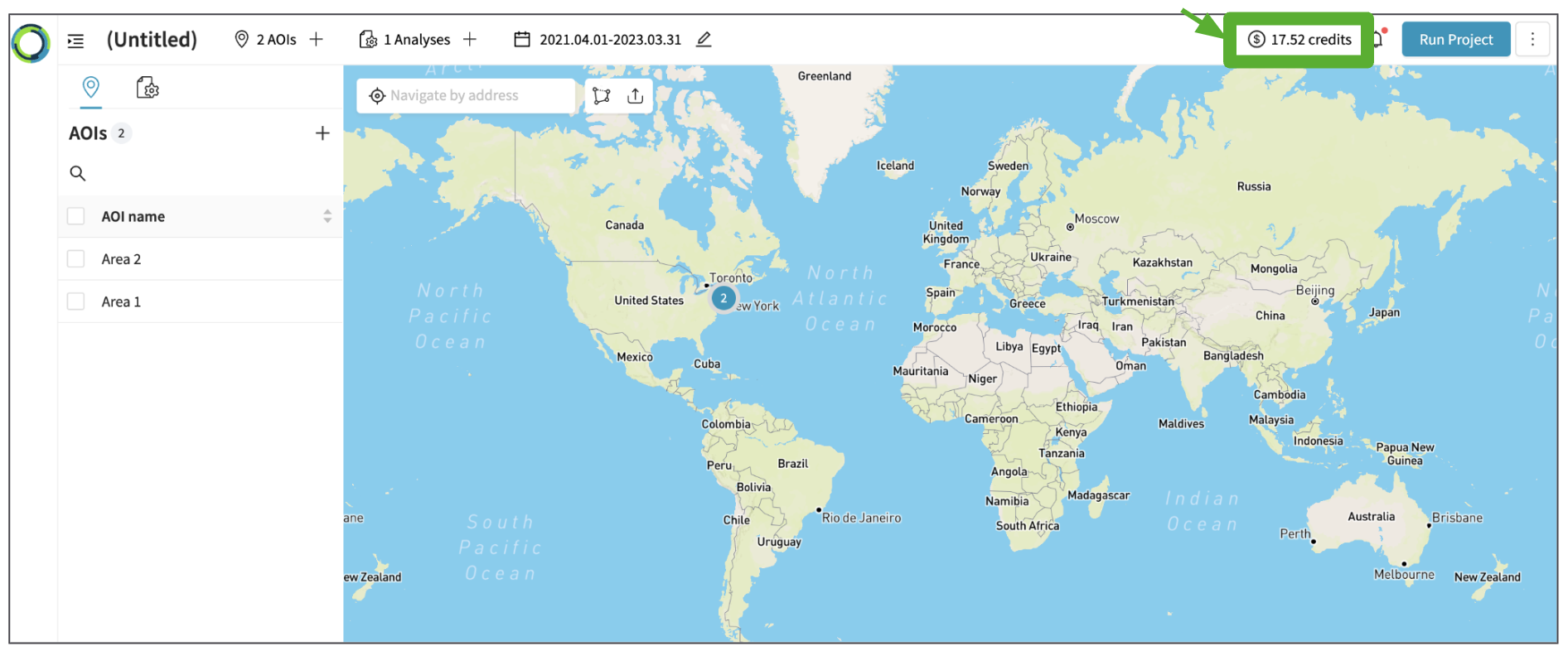
2. Run a Project
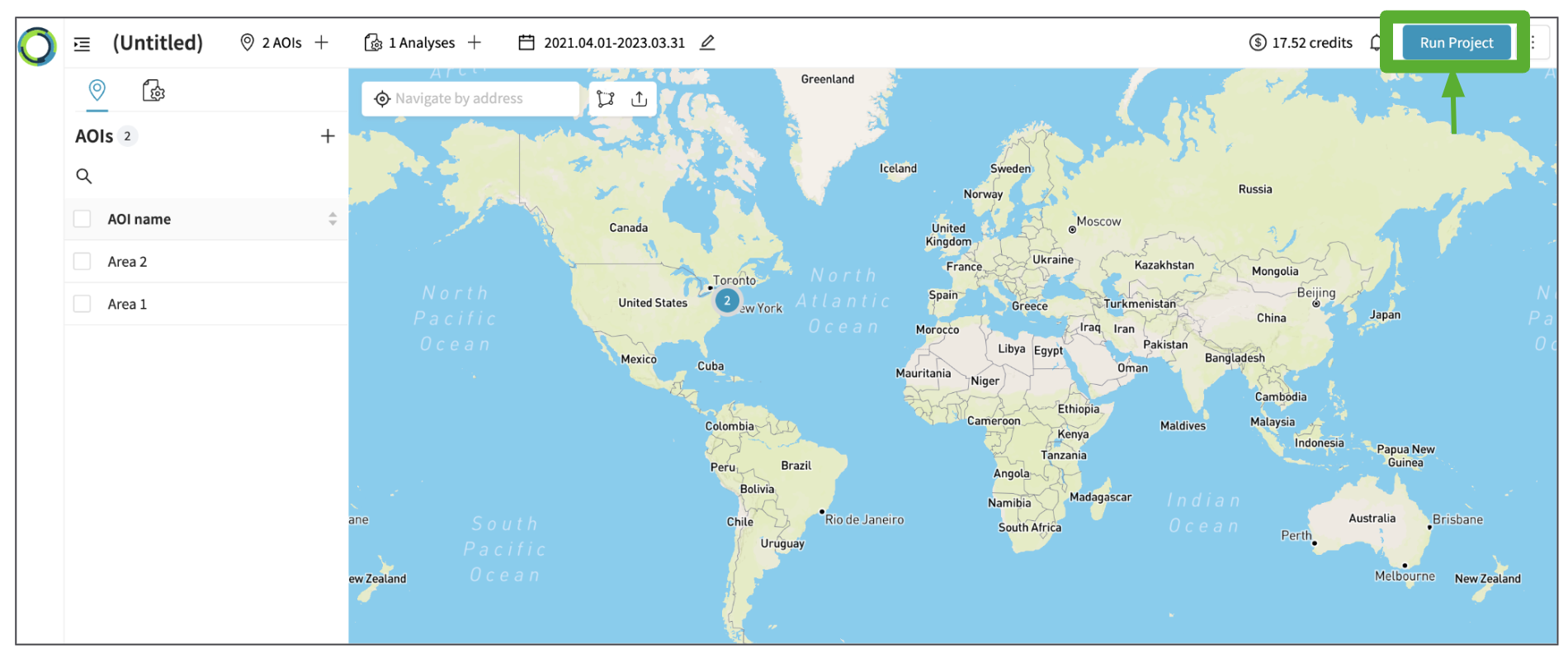
If all looks good, please click 'Run Project'.
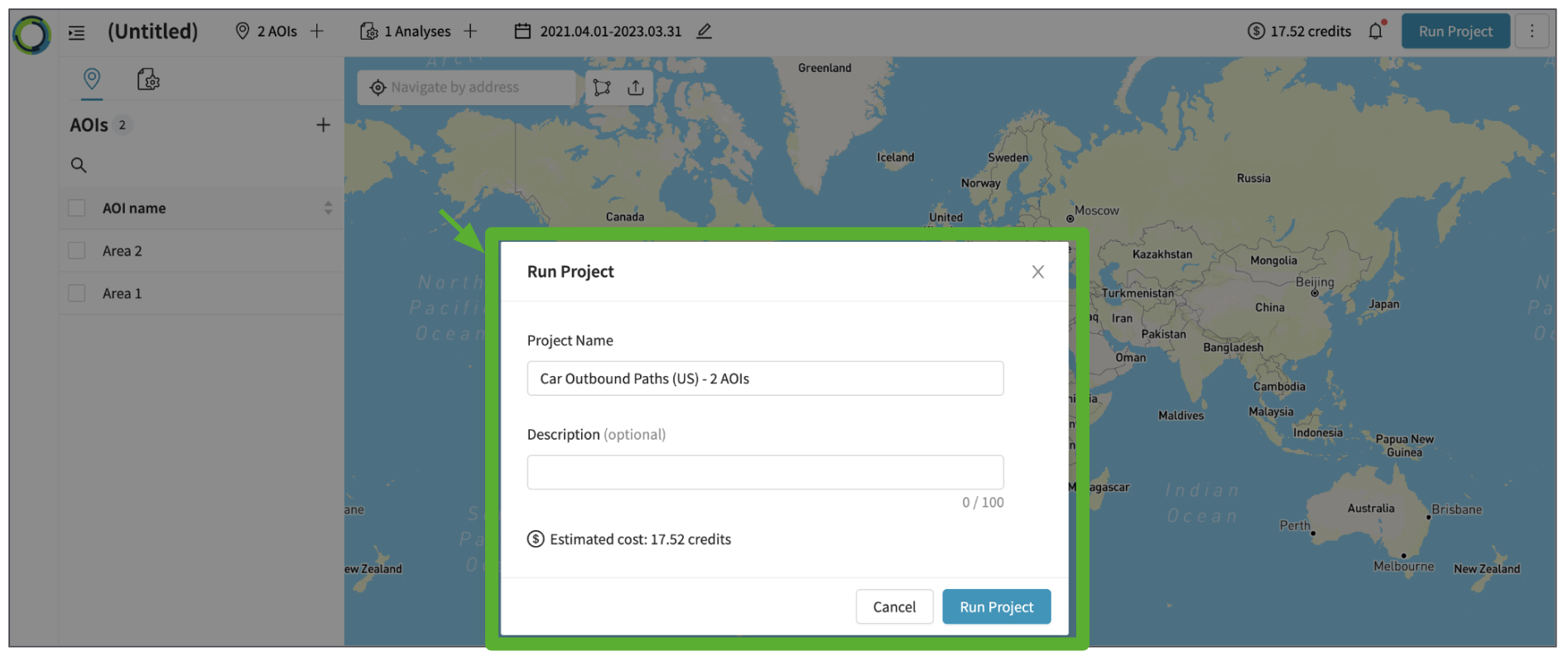
Once the 'Run Project' is clicked, you will be able to add few more details e.g. description and view the estimated cost again before running the project. Click 'Run Project' again to start the analysis.
Updated 10 months ago