
Object Detection
Object detection results contain both spatial and temporal data:
- Spatial: where objects are detected within each image (object geometries)
- Temporal: how many objects are detected within each image (time series data)
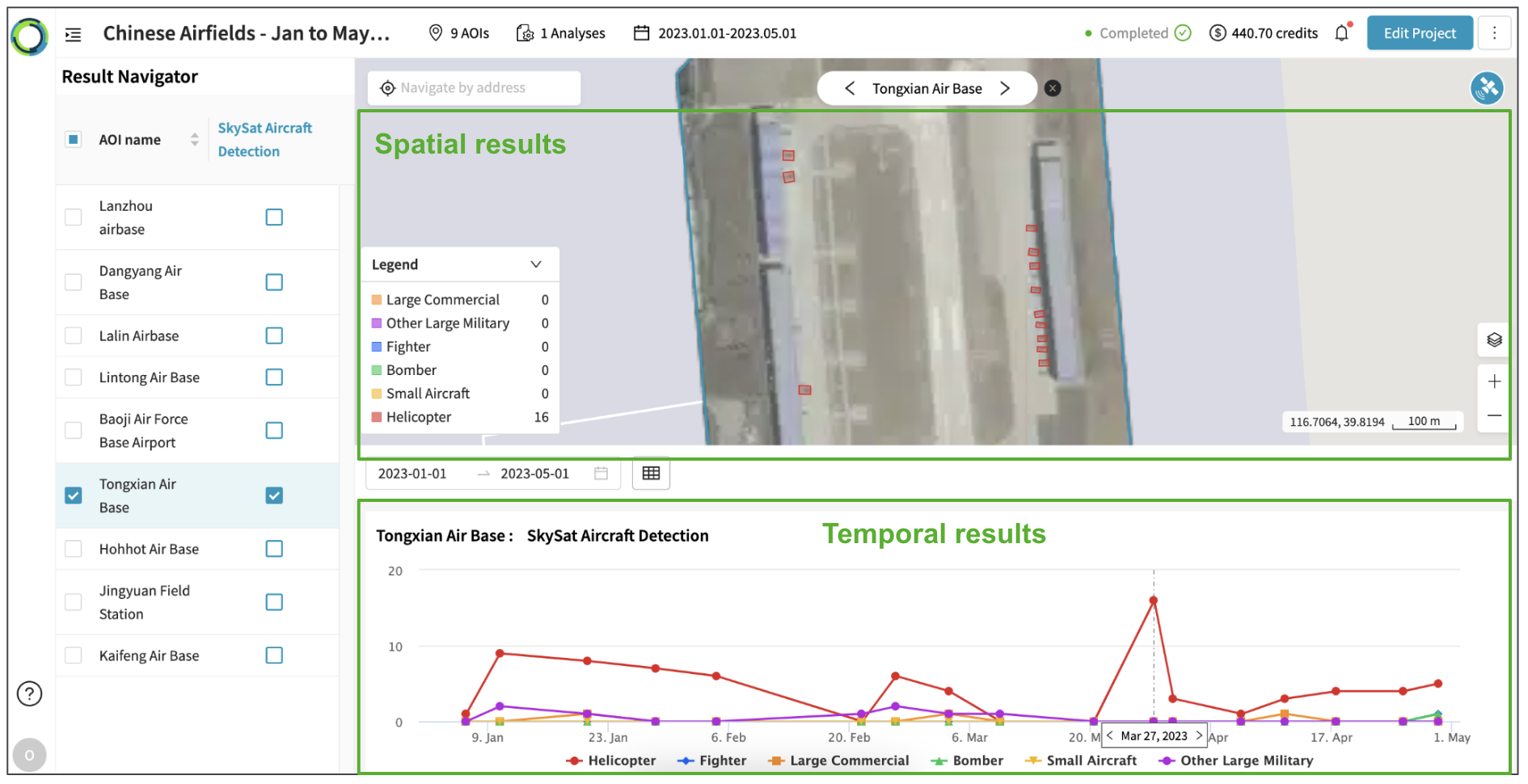
Explore object detection results following the steps below:
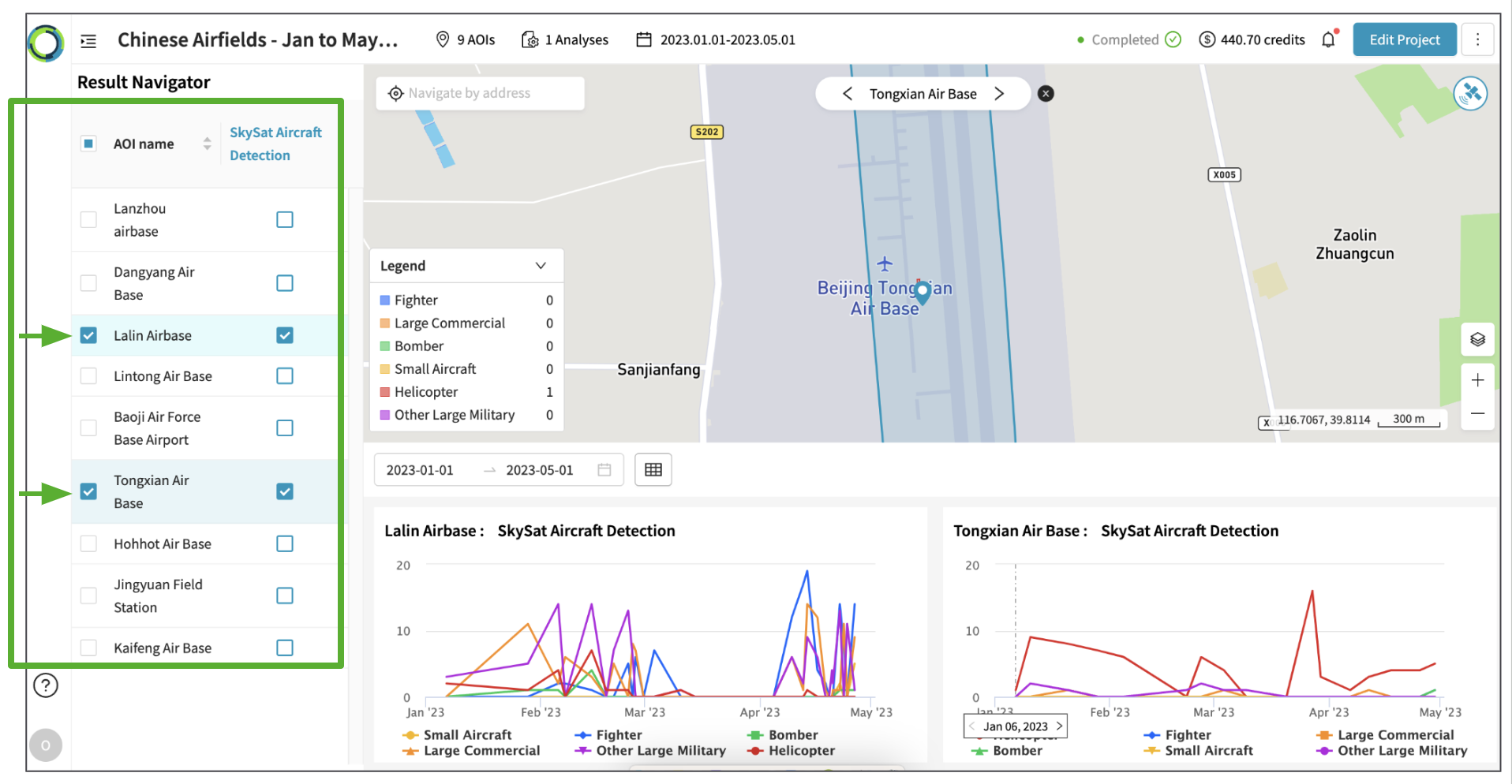
- In the left-hand panel, click the checkbox of the AOI and Analysis to visualize their results.
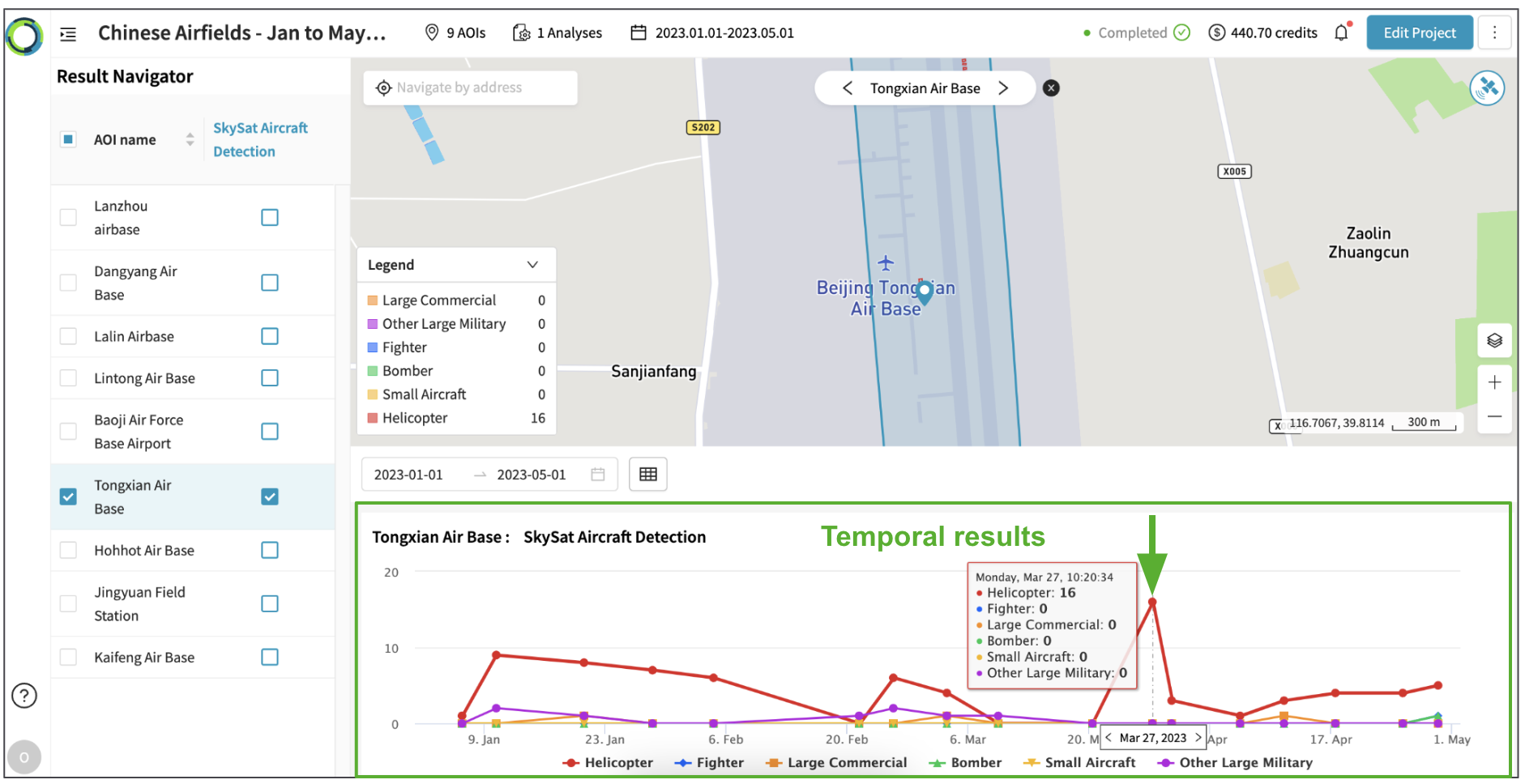
- Visualize spatial results of a specific date by clicking on the data-points within the temporal results (time series chart).
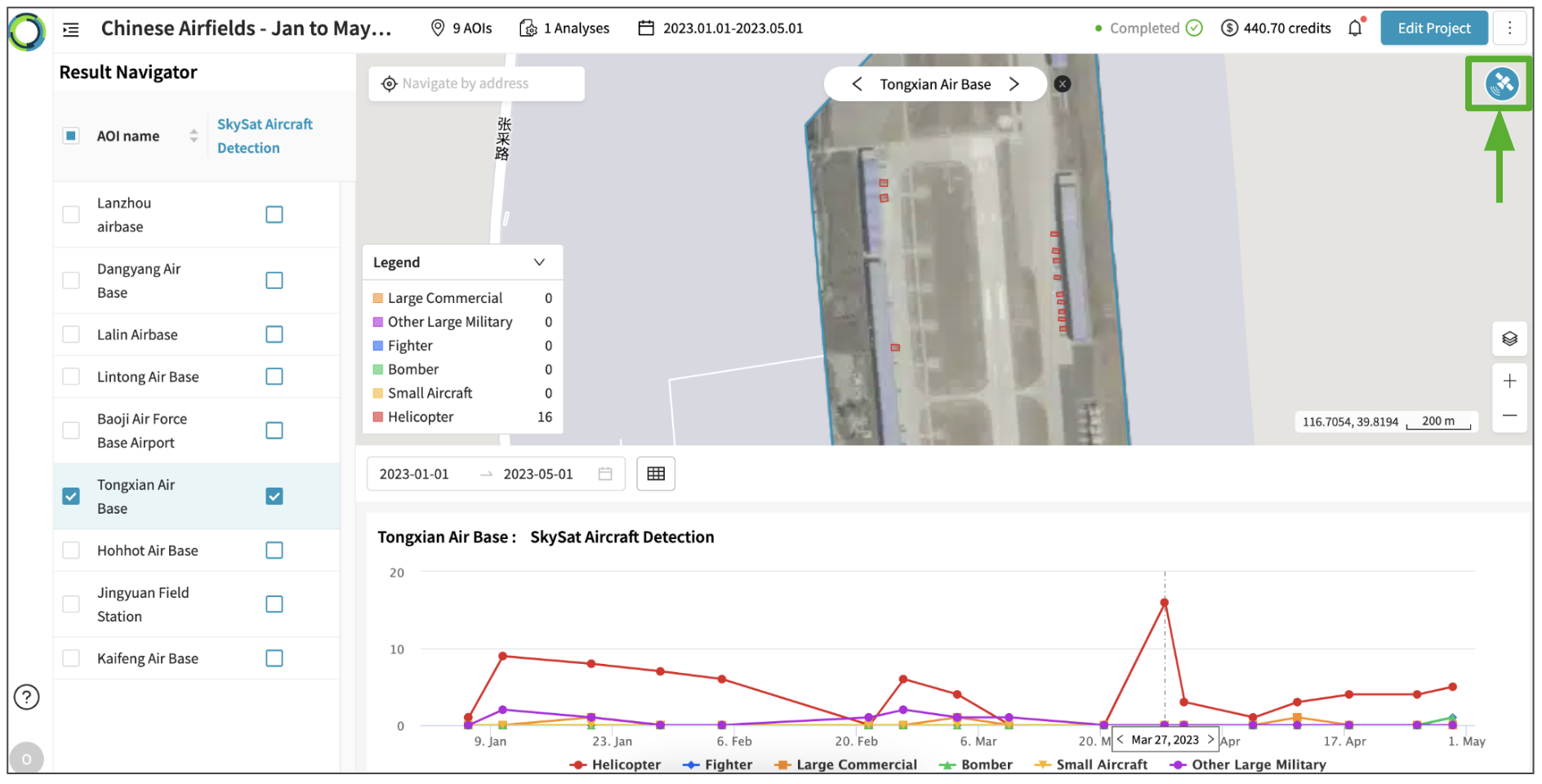
- Visualize thumbnails for the corresponding satellite scene by clicking on Satellite icon in the top-right.
- Show/hide detected objects by clicking on layer names in the legend.
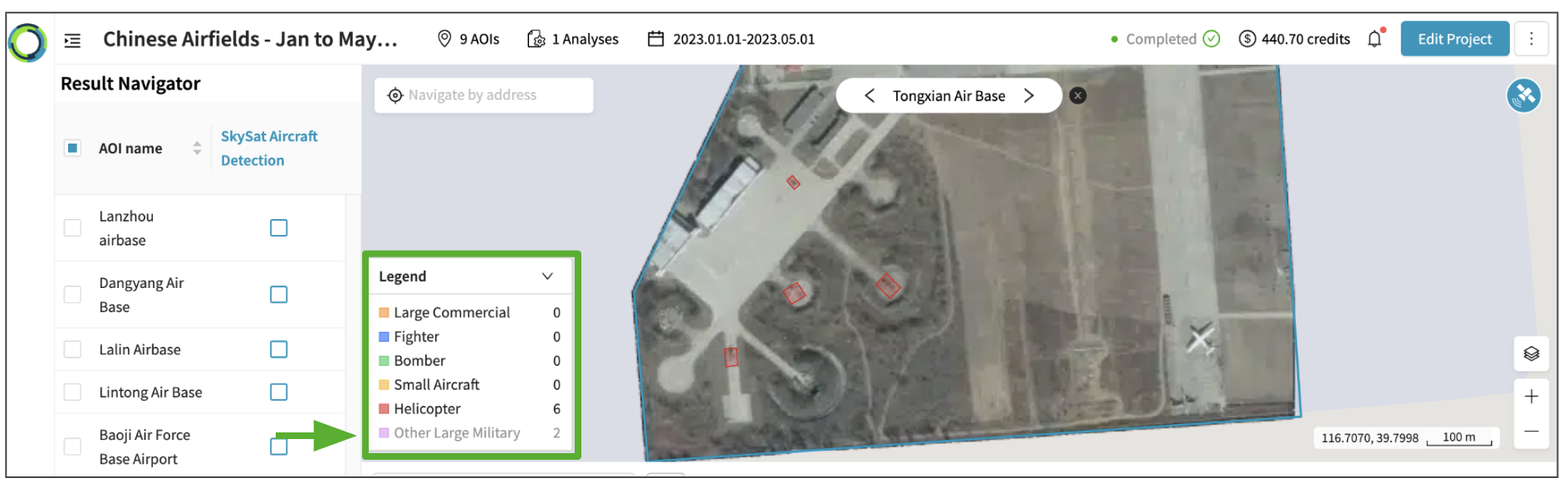
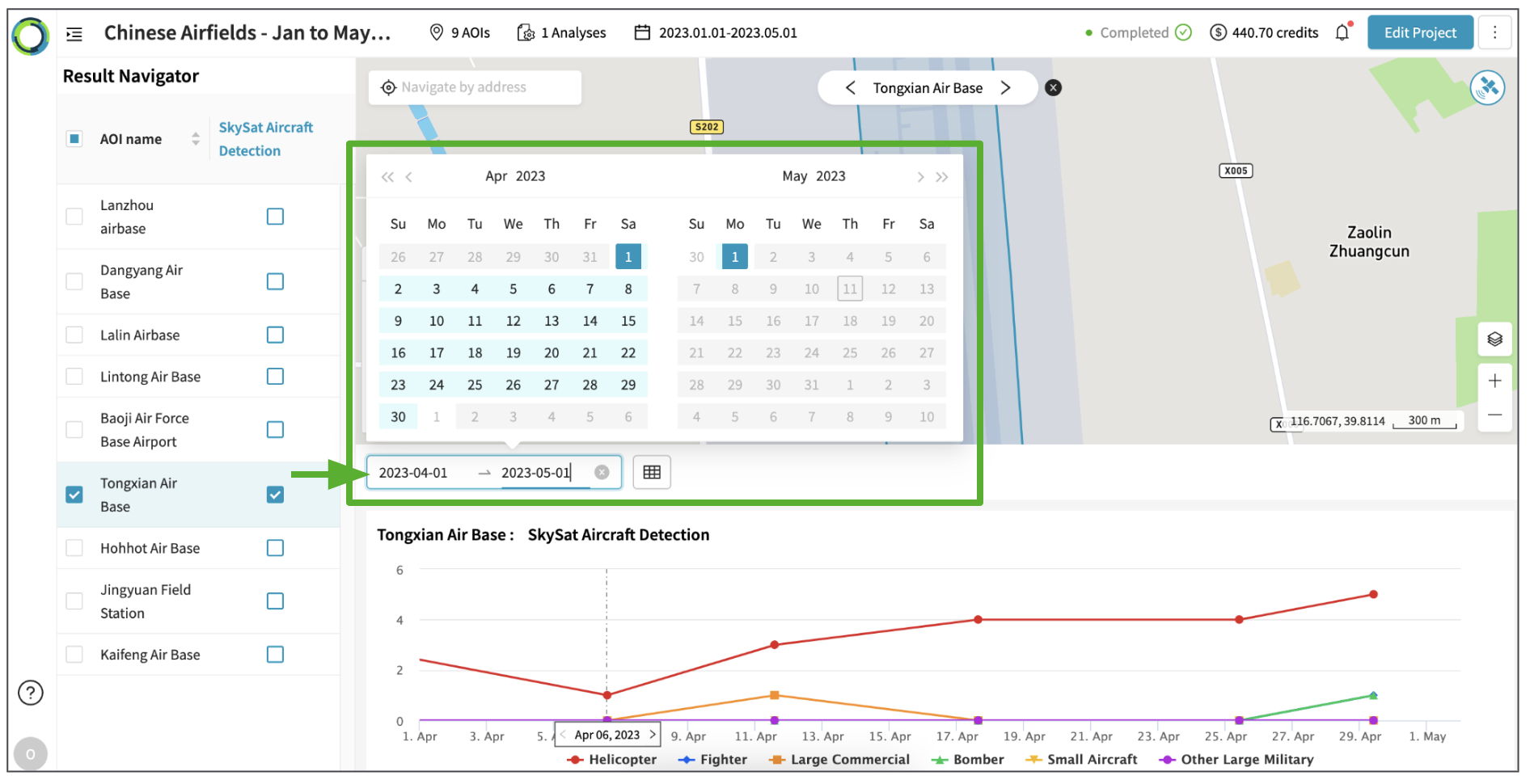
- Zoom into a specific date range by using the date range selector.
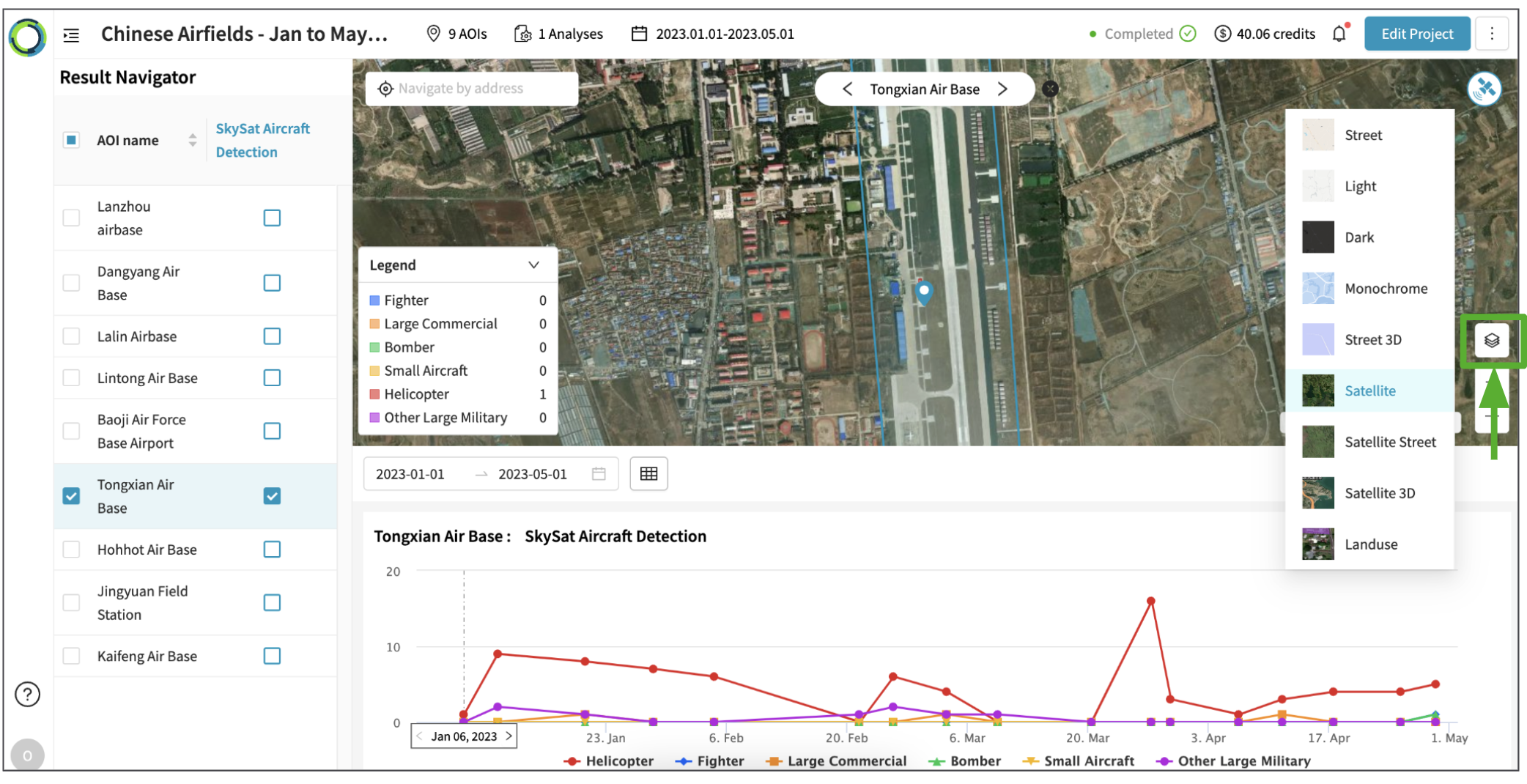
- If necessary, change basemap for the map view by clicking on Basemap toggle in the bottom-right corner.
Updated 10 months ago
Did this page help you?